
Stop Fighting Finder's Archive Tools.
Preview before extracting. Extract only what you need. Protect sensitive files. Unzipr is the smarter way to work with ZIP, RAR and 7Z on Mac.
Finder vs Unzipr
macOS Finder can barely open a ZIP file. Here's everything it can't do that Unzipr handles natively.
| Capability | Finder | Unzipr |
|---|---|---|
| Preview contents before extracting | ✕ | ✓ |
| Extract only selected files | ✕ | ✓ |
| Open RAR archives | ✕ | ✓ |
| Open 7Z archives | ✕ | ✓ |
| Password-protected archives | ✕ | ✓ |
| 7Z header encryption | ✕ | ✓ |
| Batch extraction | ✕ | ✓ |
| High-ratio 7Z compression | ✕ | ✓ |
Power meets Aesthetics
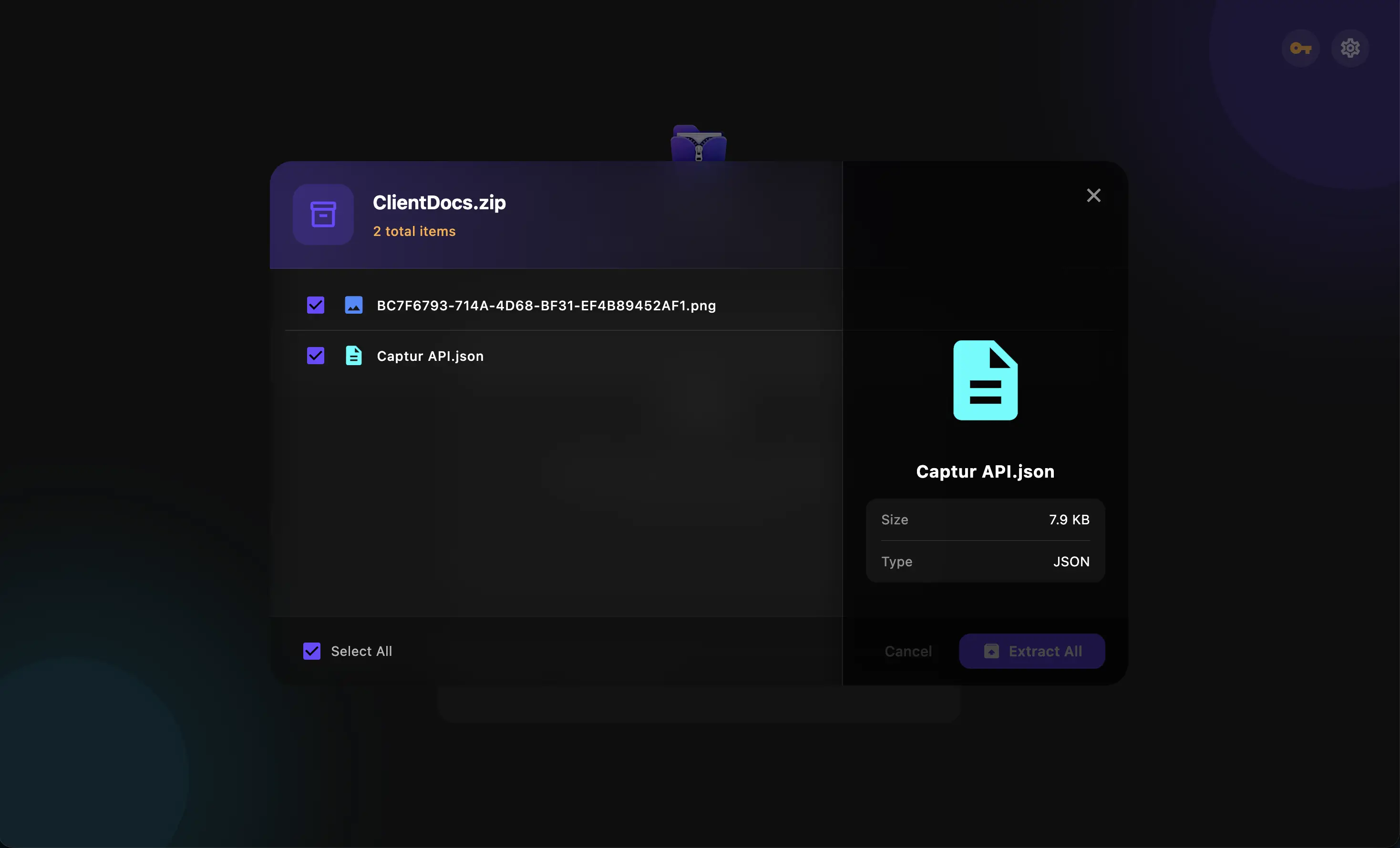
Quick Peek
See real thumbnails for images, PDFs, and video inside an archive before you extract anything. Double-click any file to open it in native macOS Quick Look — full zoom, paging, and playback.
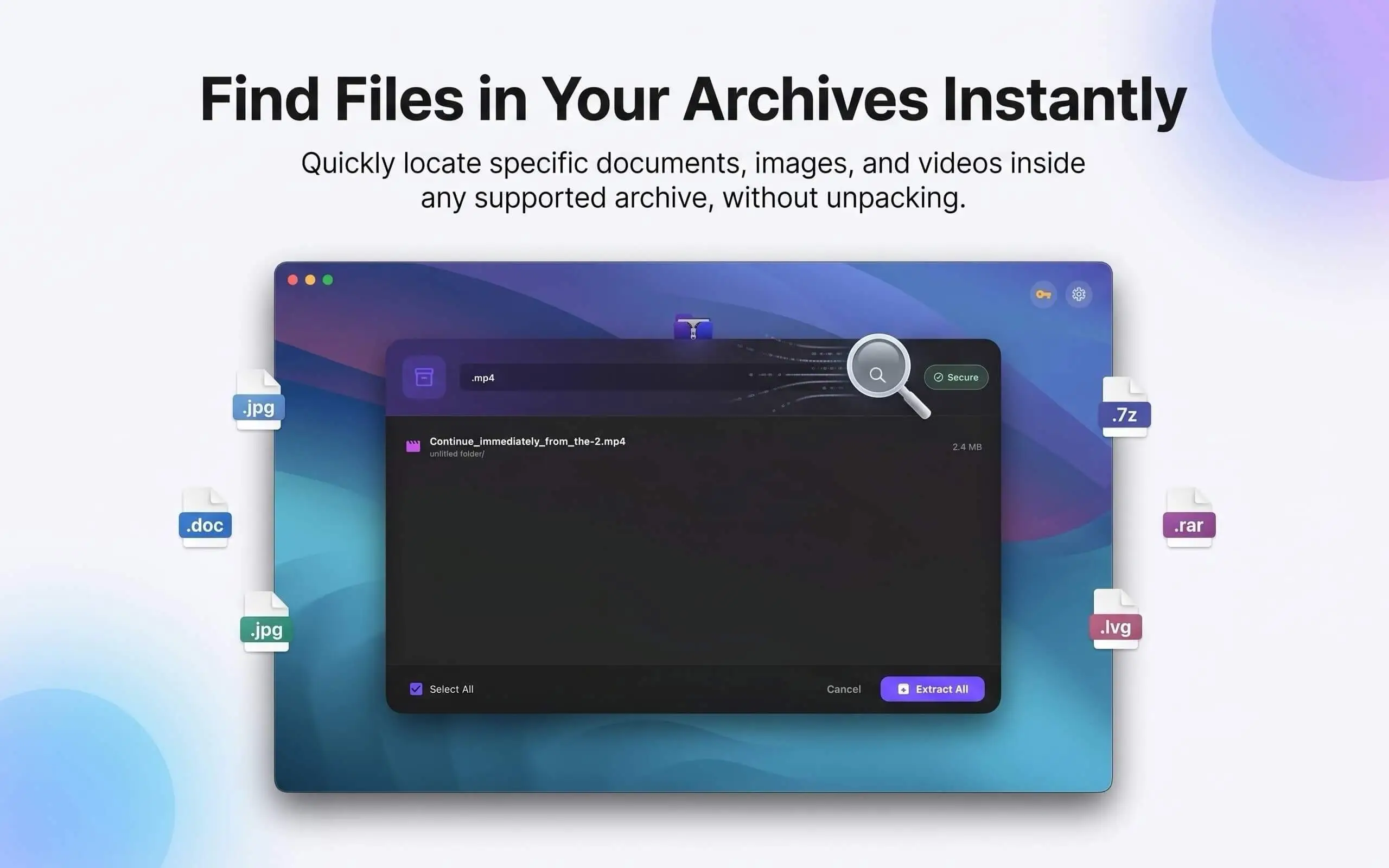
Smart Search
Find any file inside an archive instantly, no matter which folder it's buried in — search the whole archive at once instead of clicking through folders one by one.
Archive Health
Unzipr checks every archive before extraction and warns you about suspicious file paths or an unexpectedly massive payload — before it ever touches your Mac.
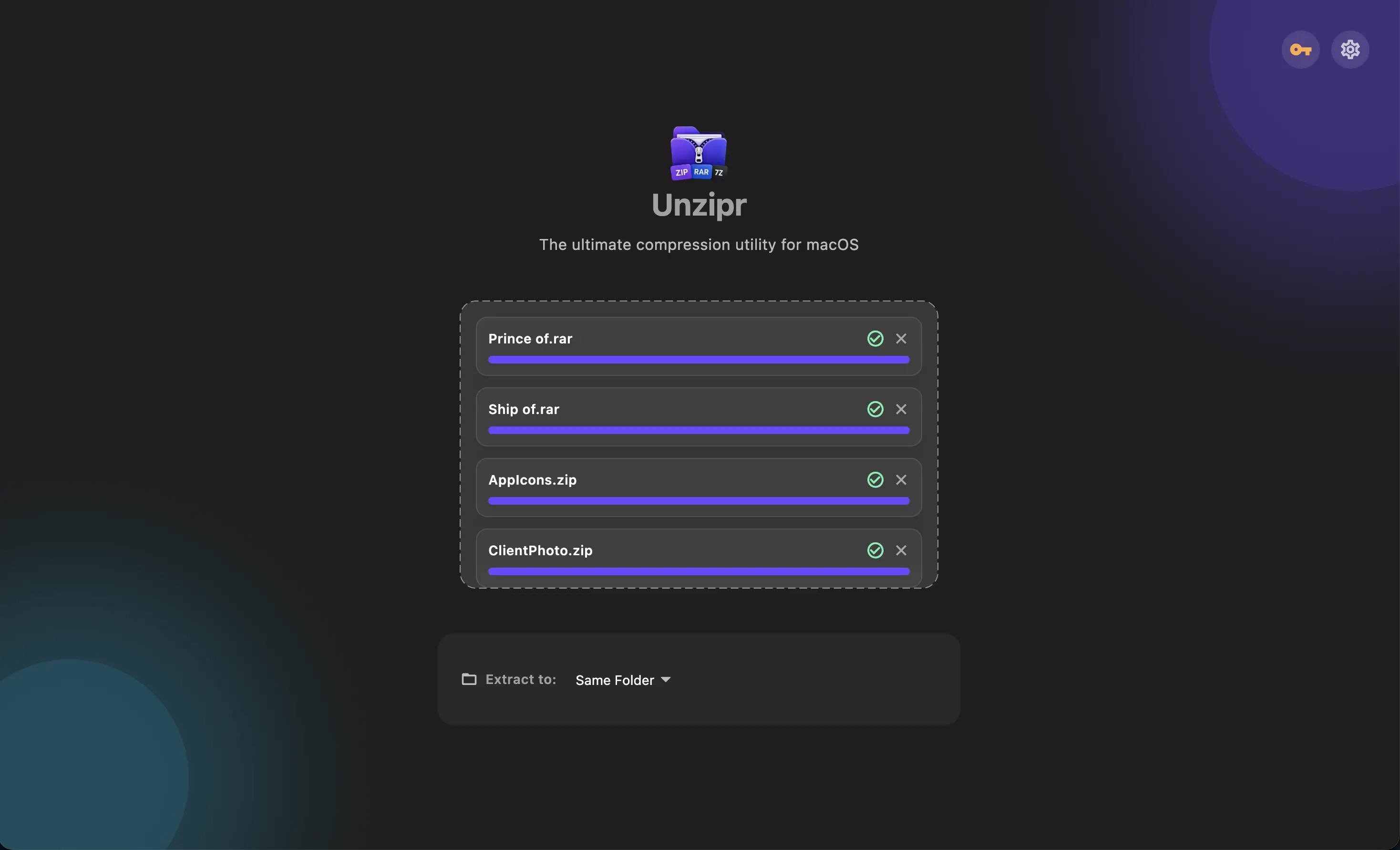
Batch ExtractionPRO
Drag and drop dozens of archives at once. Unzipr handles them simultaneously, saving you precious time.
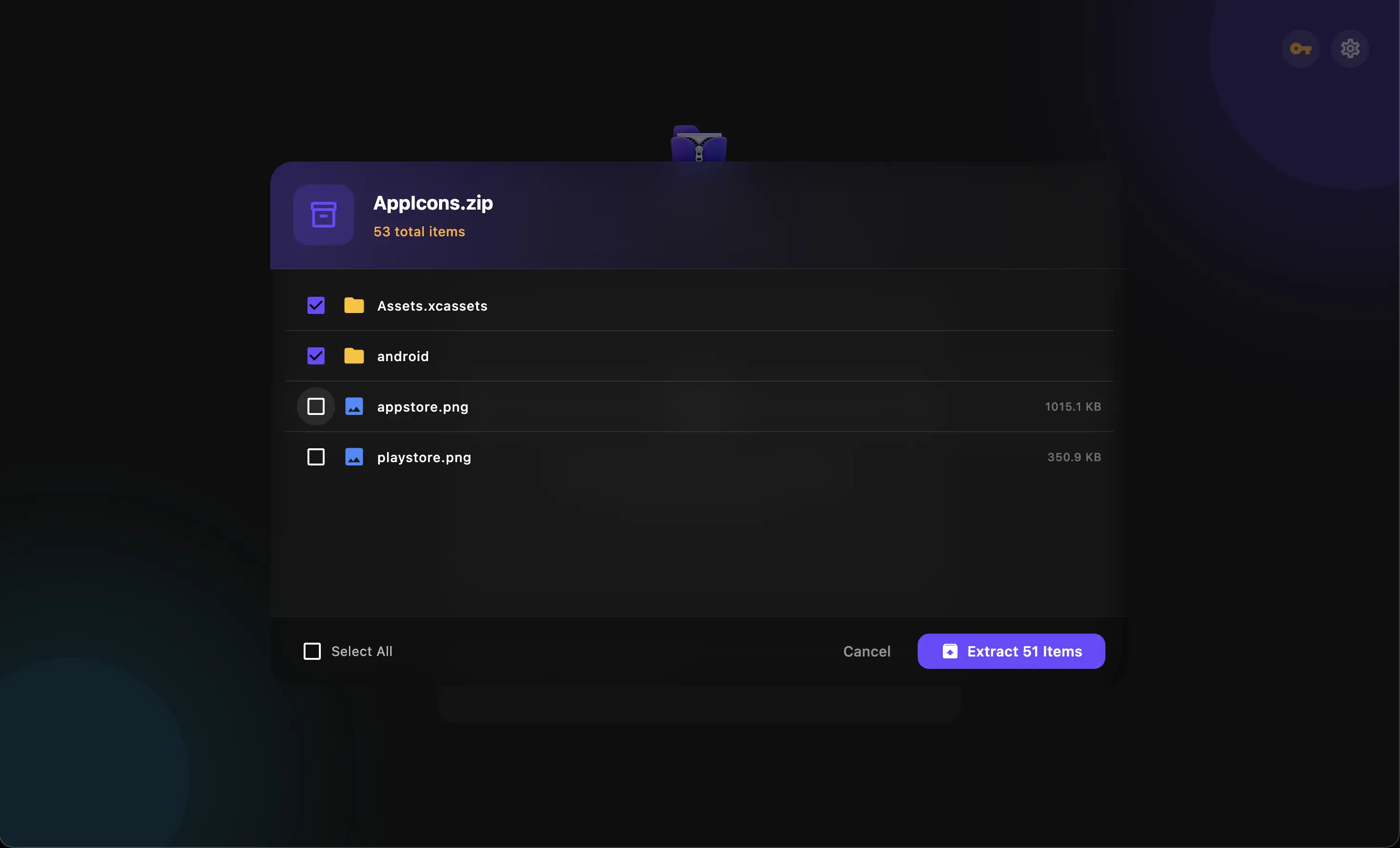
Selective Extraction
Stop extracting gigabytes of data just for one file. Select and extract only the specific files you actually need.
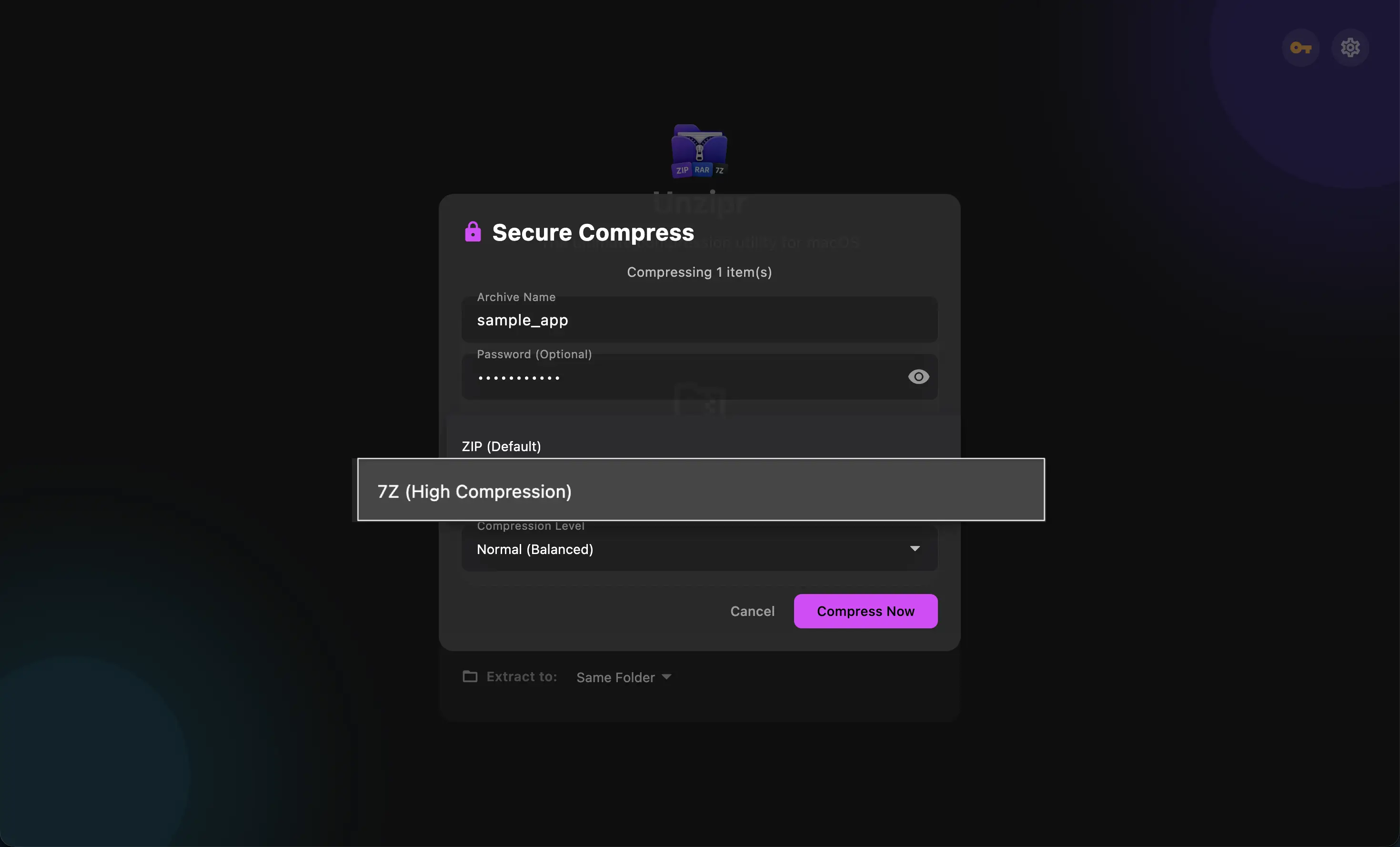
High Compression 7ZPRO
Squeeze down massive files with advanced 7Z compression, saving significant storage space securely.
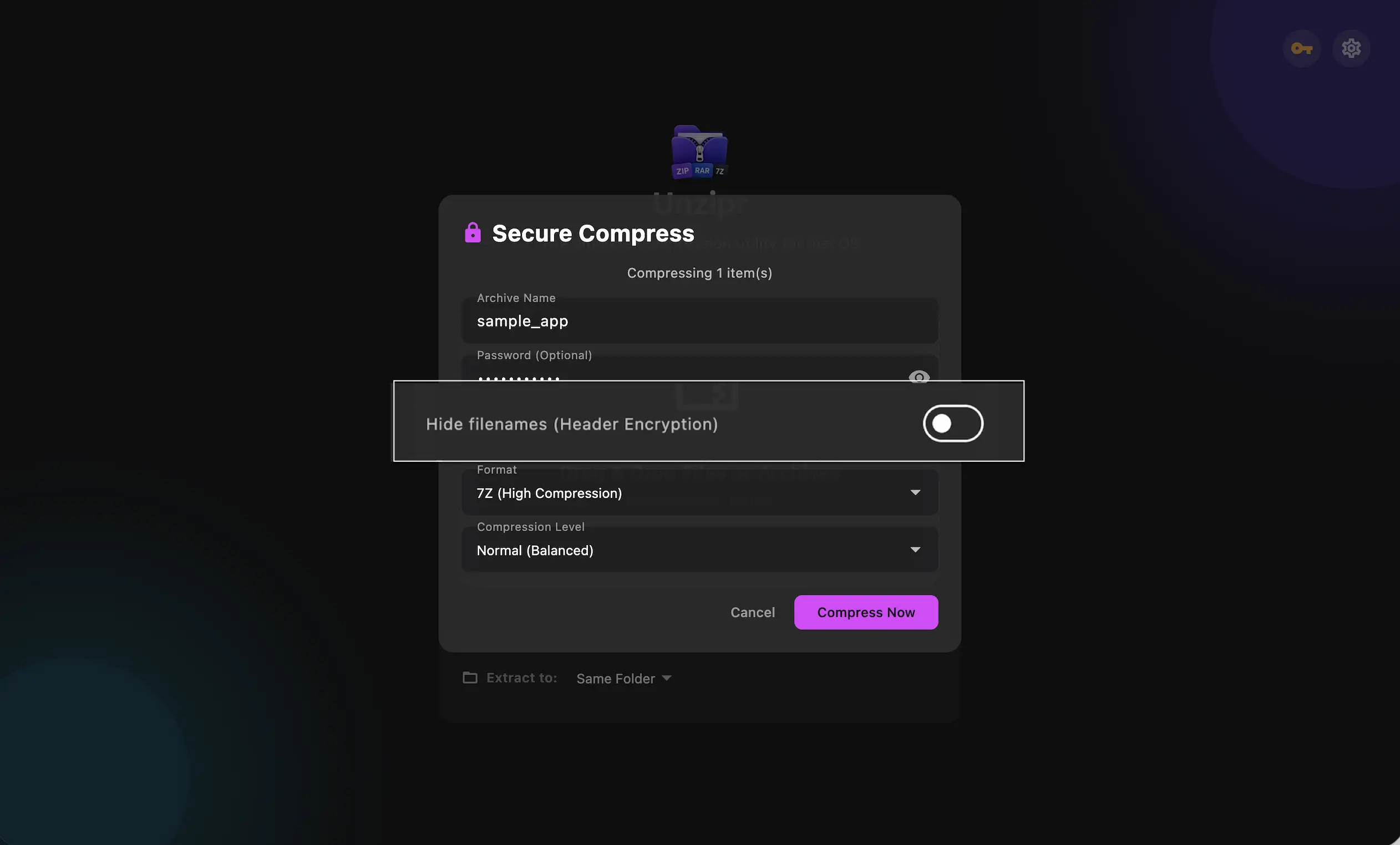
Header EncryptionPRO
Go stealth mode. With advanced 7Z header encryption, you can hide not just your files, but the exact file names and folder structures from prying eyes.
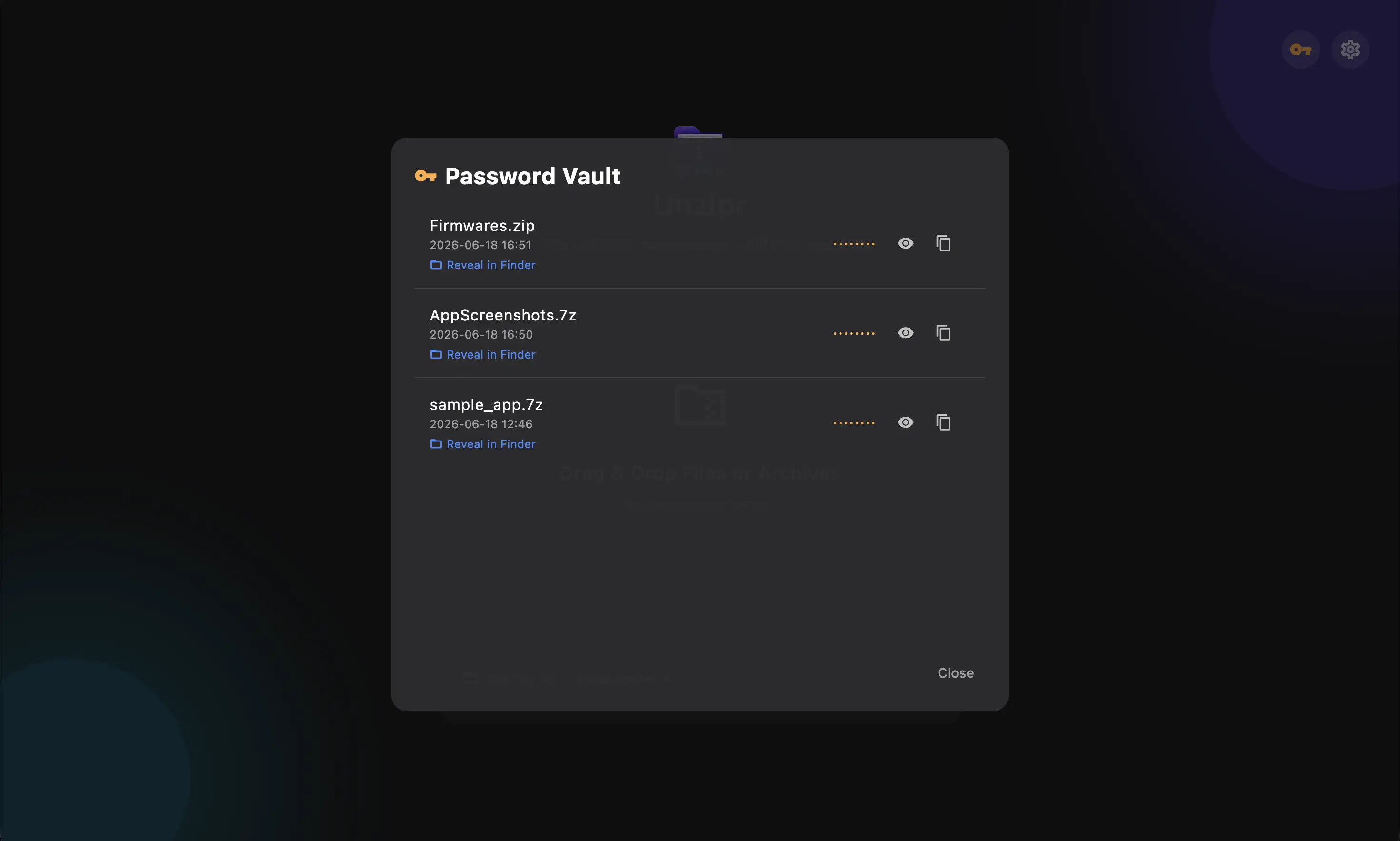
Password VaultPRO
Securely store passwords for your encrypted archives. Unzipr remembers them so you don't have to retype them ever again.
Simple, Transparent Pricing
Start for free, upgrade when you need ultimate power.
Basic
Everything you need for everyday extraction.
- Extract any archive format
- Quick Peek & Quick Look preview
- Smart Search across the whole archive
- Archive Health safety checks
- Selective Extraction
- ZIP Compression with Password Protection
- Batch Extraction
- Password Vault
- Ultra 7Z Compression
Unzipr PRO
Pay once, own it forever.
- Everything in Basic, plus:
- Batch Extraction
- Password Vault
- Ultra 7Z Compression
- Header Encryption
- Priority Updates